Turn any image or idea into a 3D model
Photo or prompt in. Production-ready GLB, STL and SVG out, for games, the web, AR and 3D printing.
- Plans from $12/month
- No installs needed
- Failed runs refunded
- export formats
- 7
- export formats
- converters
- 5
- converters
- free sample models
- 52
- free sample models
Featured from our free model library · made by independent artists
The studio
Type it. Watch it build.
Fig 0.2 · Studio preview with sample models
Free model library
52 open-licensed models to explore
Hand-picked CC0 and CC BY models from the Objaverse dataset on Hugging Face. Orbit them, view them in AR and download the GLB, free for commercial use.
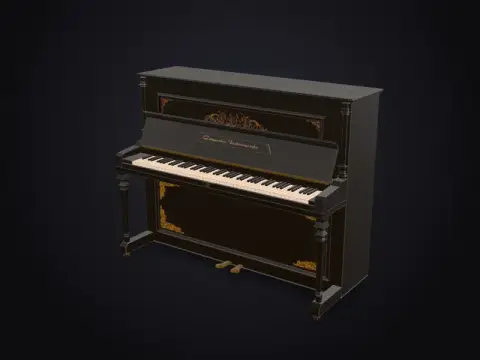 Low-Poly Upright Piano3,574 tris
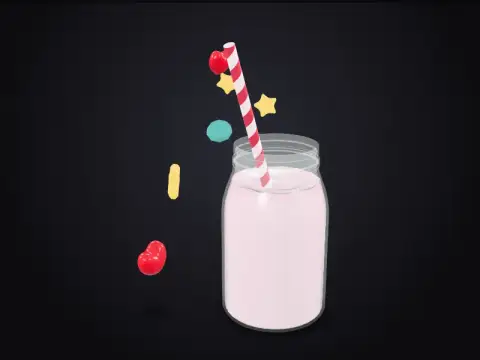 Strawberry Milkshake13,335 tris
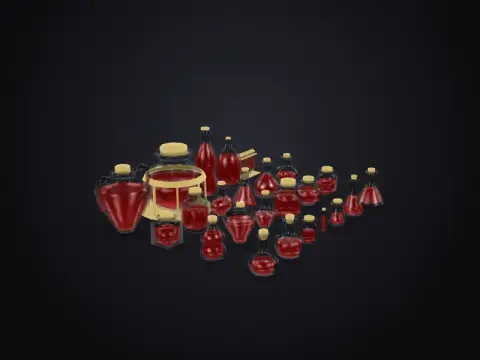 Apothecary Jars and Bottles10,999 tris
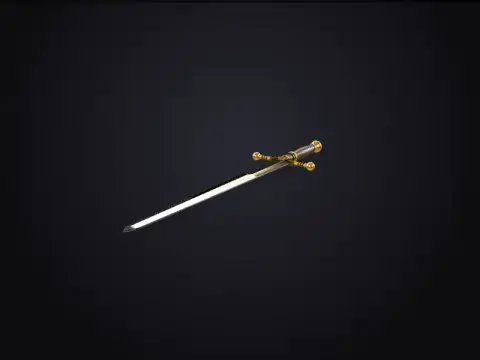 Knight's Longsword4,002 tris
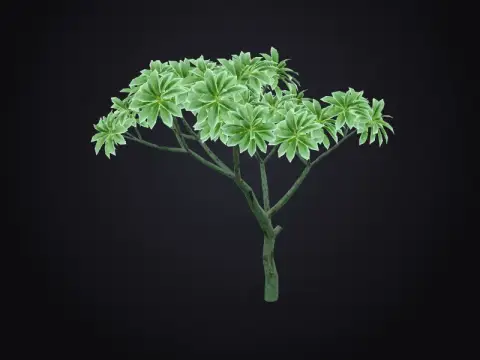 Stylised Manga Tree19,757 tris
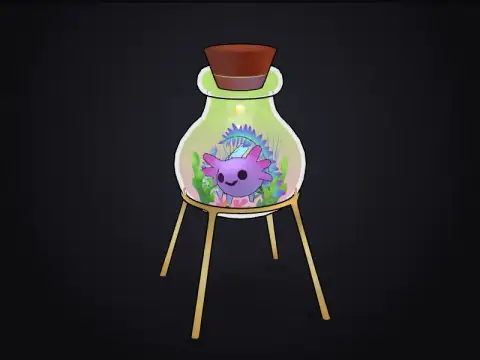 Axolotl in a Magic Flask20,021 tris
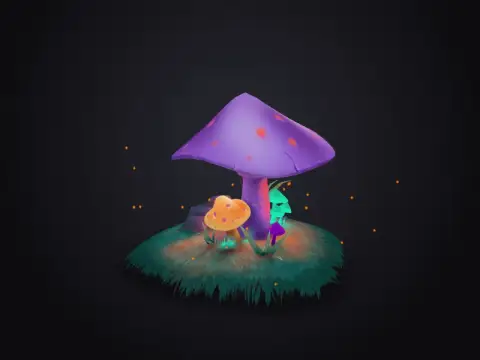 Stylised Glowing Mushrooms12,057 tris
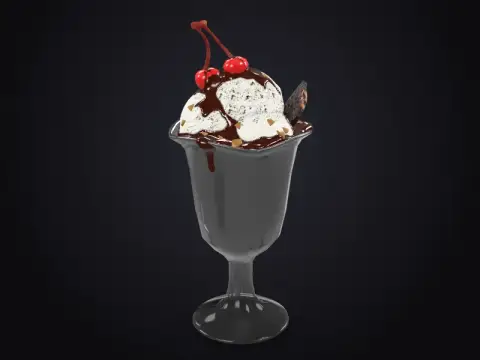 Low-Poly Ice Cream Sundae9,333 tris
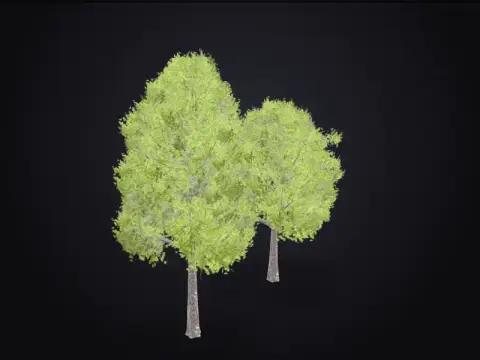 Low-Poly Trees Set5,381 tris
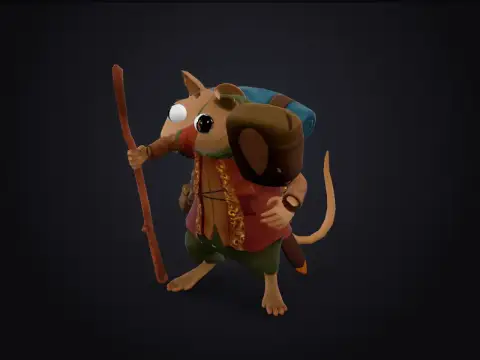 A Questing Mouse11,135 tris
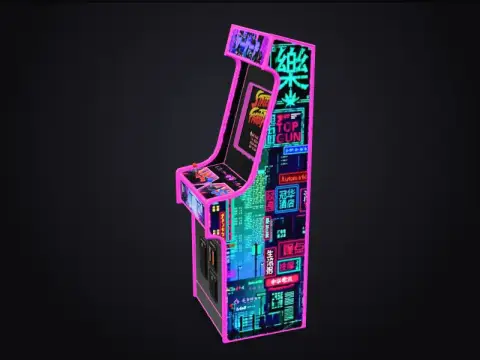 Neon Arcade Cabinet12,894 tris
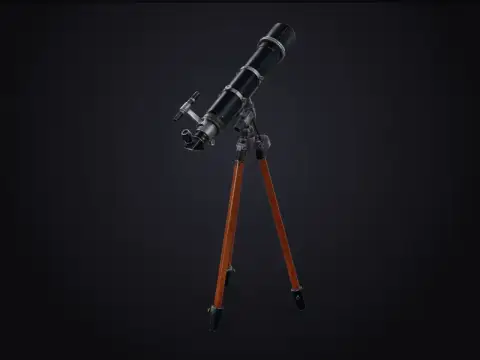 Brass Telescope on a Tripod17,533 tris
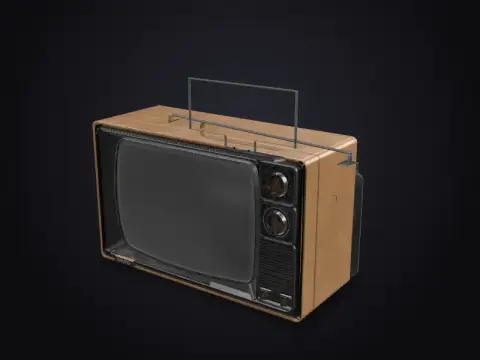 Retro 1980s Television4,705 tris
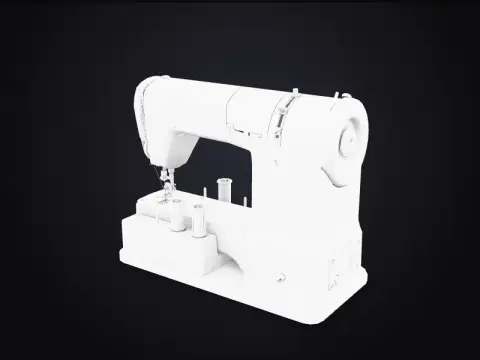 1950s Swiss Sewing Machine5,301 tris
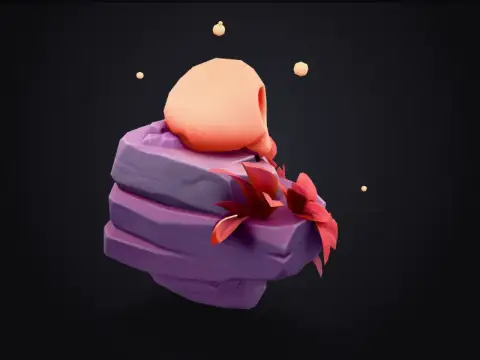 Skull Rock3,352 tris
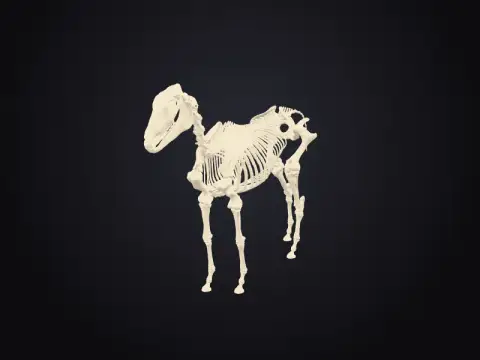 Horse Skeleton135,451 tris
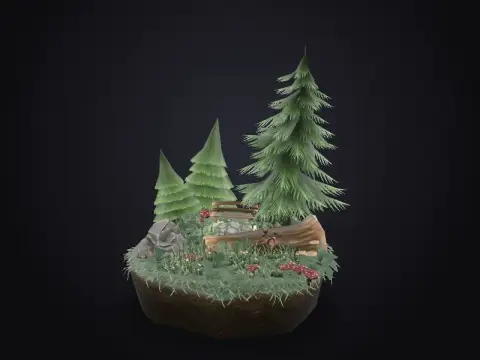 Low-Poly Forest Scene6,787 tris
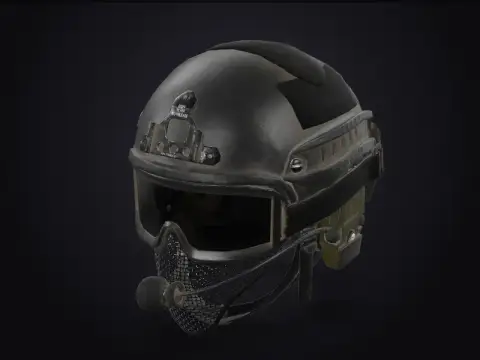 Tactical Helmet8,407 tris
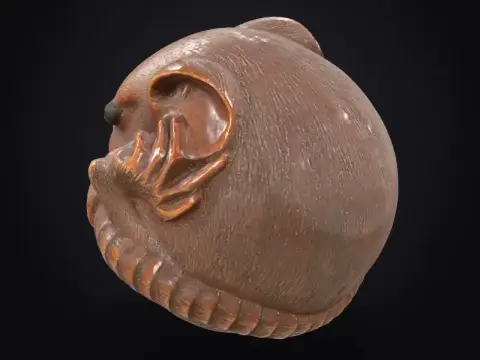 Netsuke: Curled Rat65,000 tris
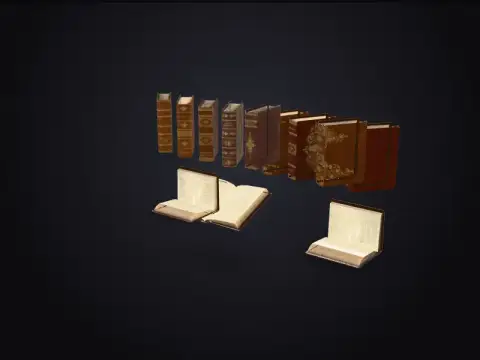 Old Leather Books7,704 tris
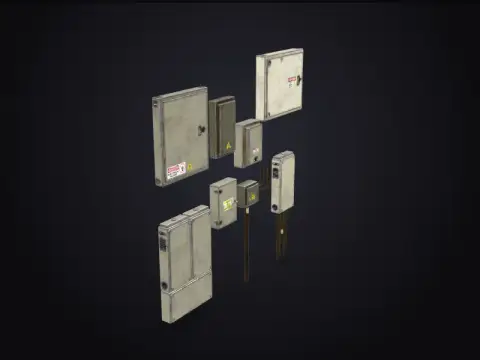 Rusty Electrical Boxes2,436 tris
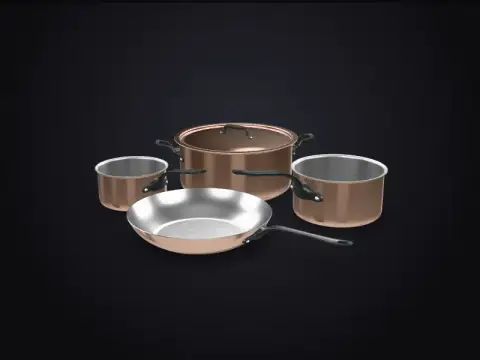 Copper Pots and Pans50,368 tris
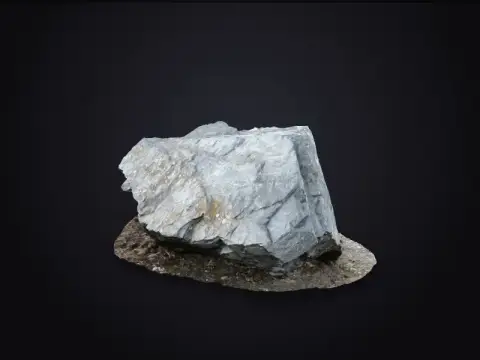 Grey Boulder (Photogrammetry)34,969 tris
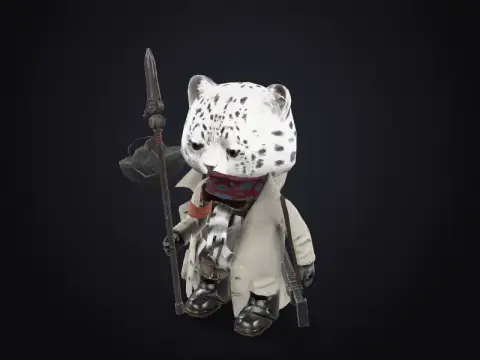 Stylised Cat4,285 tris
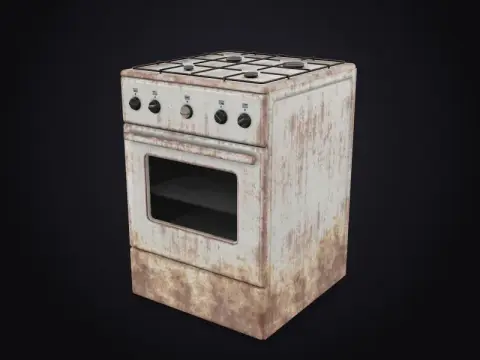 Old Gas Stove2,530 tris
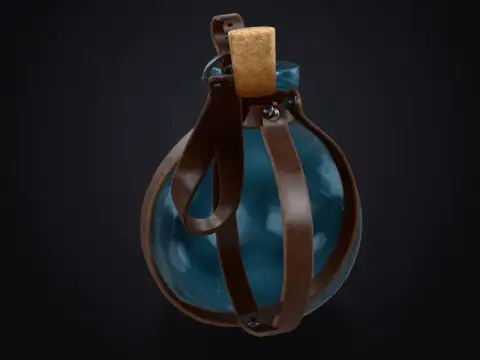 Leather-Strapped Potion Bottle58,040 tris
 Vintage Telephone72,084 tris
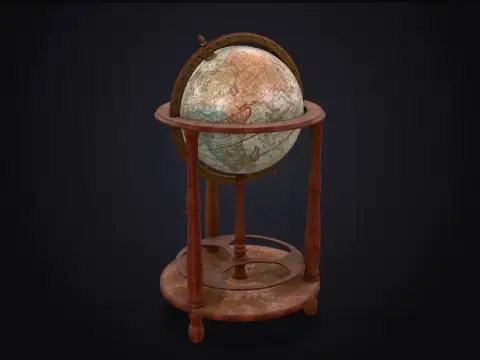 Antique Floor Globe27,571 tris
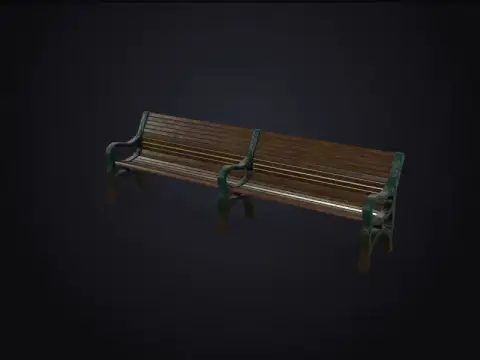 Park Bench2,924 tris
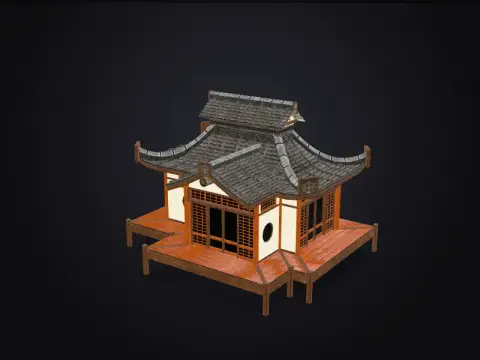 Japanese House15,362 tris
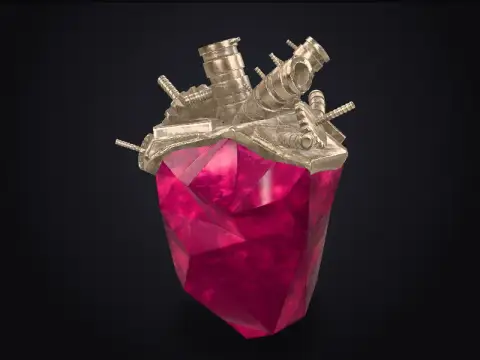 Crystal Golem Heart14,507 tris
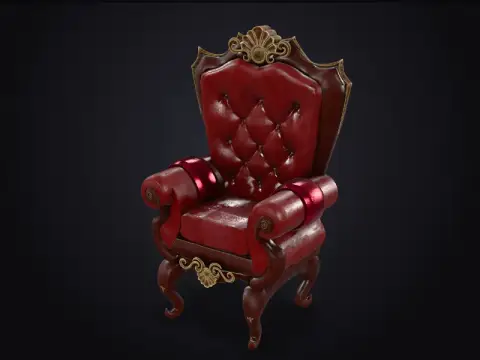 Antique Armchair31,391 tris
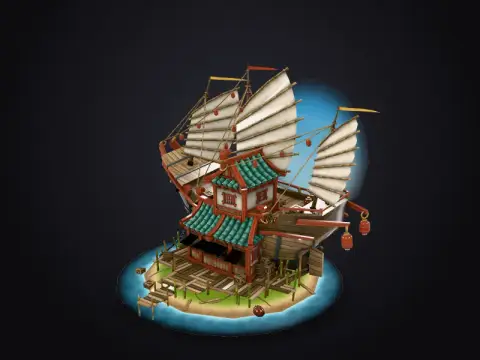 Shipwrecked Supply Store24,417 tris
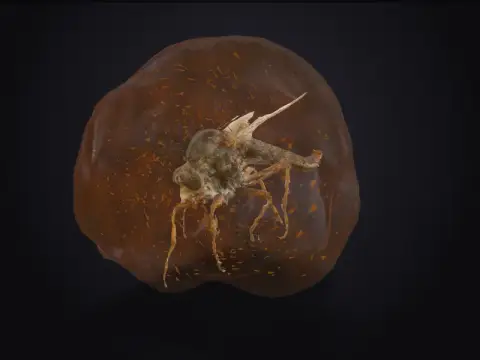 Mosquito in Amber14,349 tris
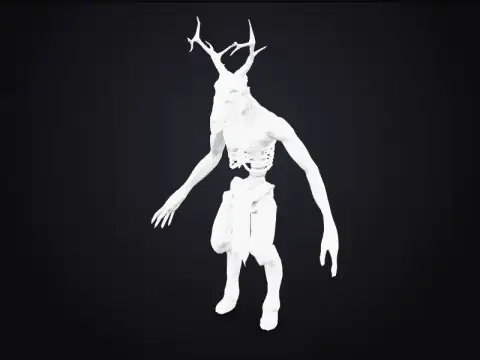 Wendigo Creature7,369 tris
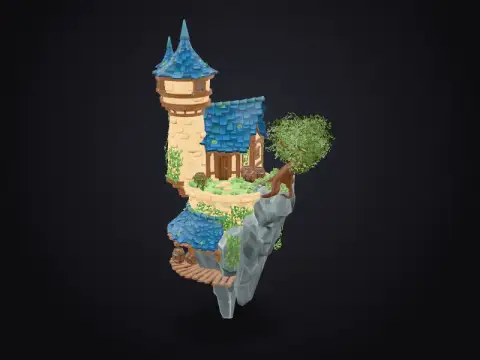 Sky Island Diorama23,379 tris
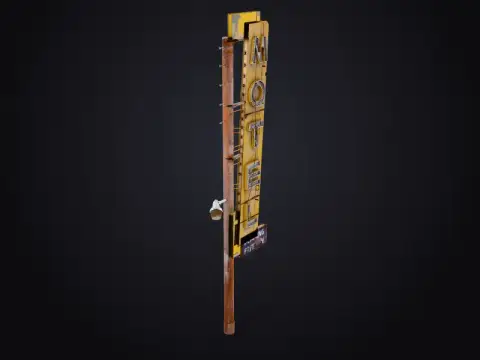 Desert Motel Sign11,930 tris
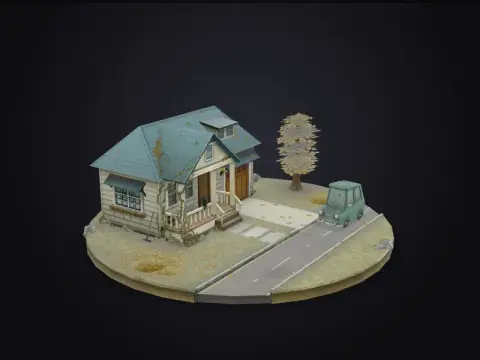 Autumn House7,991 tris
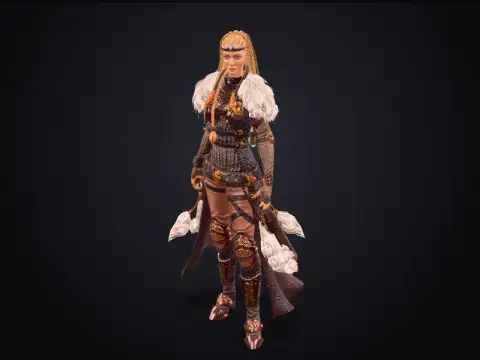 Brunhilda the Viking8,331 tris
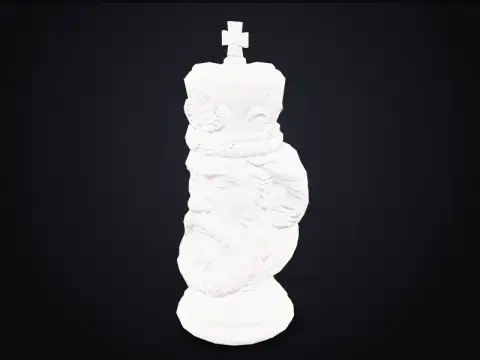 Carved Chess King3,998 tris
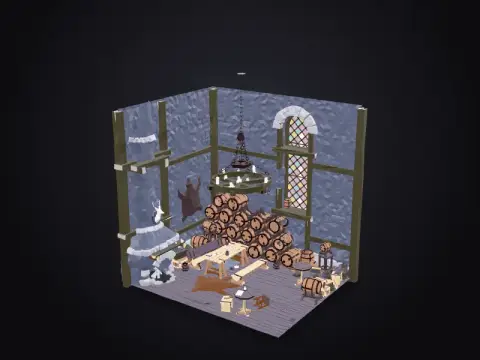 Low-Poly Medieval Tavern61,285 tris
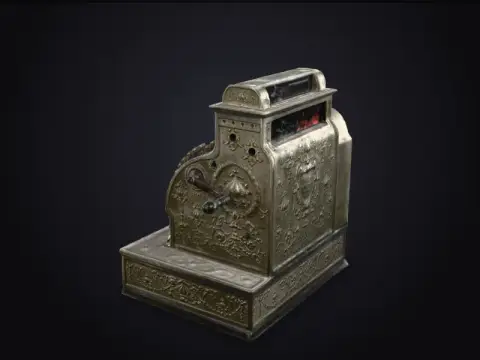 Antique Cash Register104,587 tris
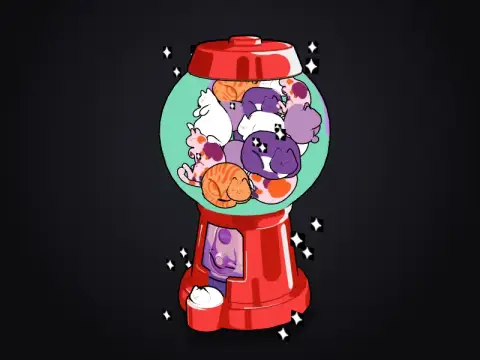 Cat Gumball Dispenser99,446 tris
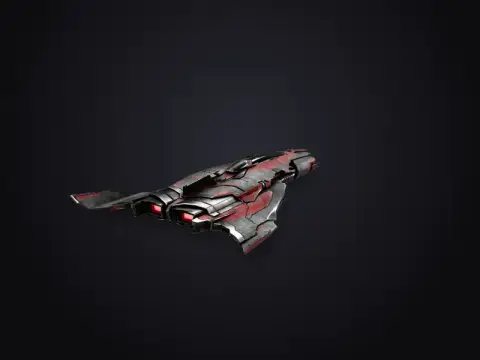 Unitron Spaceship18,690 tris
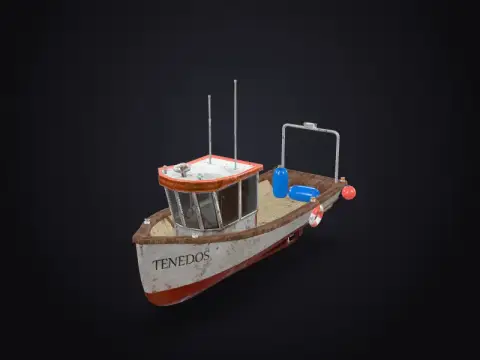 Fishing Boat9,138 tris
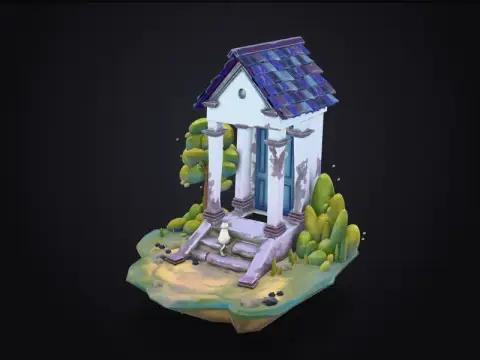 Blue Door Diorama17,998 tris
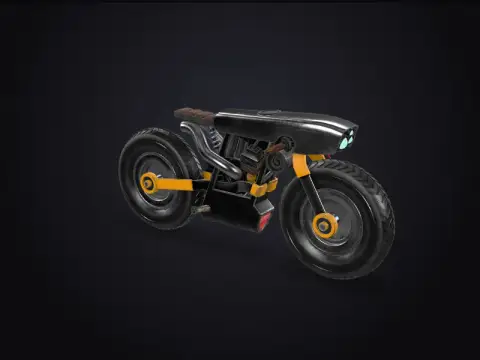 Cyberpunk Motorbike82,926 tris
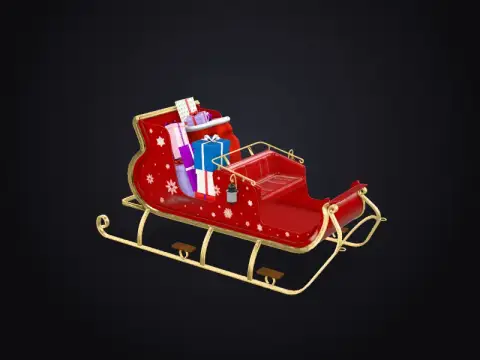 Santa's Sleigh36,730 tris
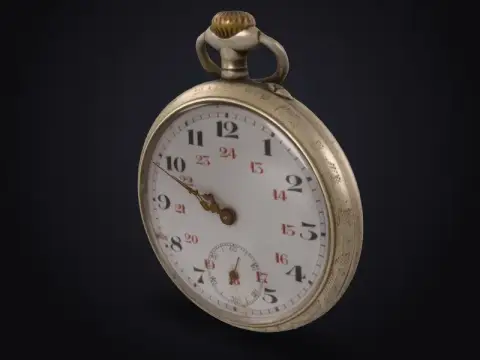 Antique Pocket Watch68,468 tris
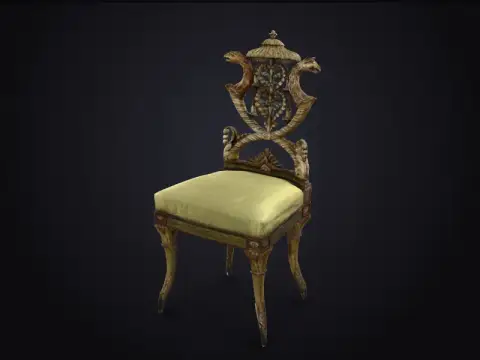 Italian Side Chair (Smithsonian)100,142 tris
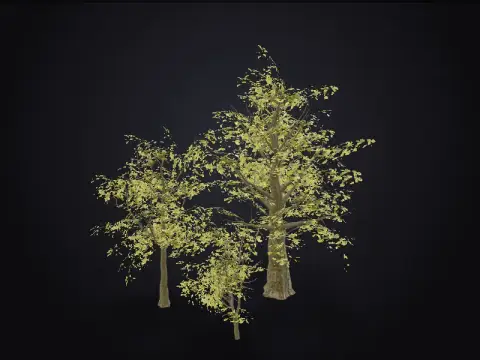 Oak Trees14,475 tris
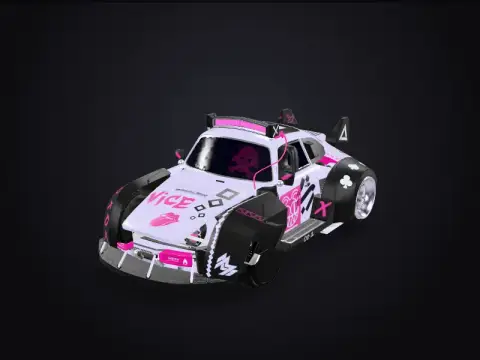 Cyberpunk Car48,175 tris
Toolbox
A tool for every 3D job
Try it right now. Image to 3D in your browser.
Drop a picture and watch it become a solid, printable 3D relief. Tweak the depth and preview it, then unlock STL and GLB downloads with any plan.
1 · Image
2 · Style
3 · Download
Free preview · downloads with any plan · nothing uploaded
Use cases
One studio. Every pipeline.
Props and characters, ready to drop in
Generate stylised assets in the art direction you need. Every part is a separate named mesh, so re-colouring or rigging in Blender is quick.
- GLB for Unity, Unreal and Godot
- Low poly counts for mobile
- Consistent style across a set
Showcase
Made with our engines
Every model here was produced by the same mesh engine that runs the studio. Drag any of them to orbit.
Works with
Drop your files straight into your tools
Standard formats, so there's nothing to convert. Pick the file type your app likes best.
Also exports USDZ for Apple AR Quick Look. Product names belong to their owners.
A new kind of converter. One studio for every input and every output, with the right engine for each job and files that drop straight into your pipeline.
Fig 0.3
Any input
Photos, renders, logos, sketches or a sentence. Start from whatever you have.
Fig 0.4
The right engine
Instant local engines for reliefs and vectors, AI engines for full reconstruction.
Fig 0.5
Real files
GLB, STL, FBX, OBJ, USDZ and SVG. Standard formats, no lock-in.
Fig 1.1
Photo in.
Model out.
Upload one picture. AI reconstruction infers the hidden sides and returns a textured mesh, while relief mode turns flat art into a solid panel in seconds.
Image to 3DInput

Fig 1.2
Describe it.
Rotate it.
Write what you want and get a model back. The low-poly builder keeps every part as a named mesh, so editing in Blender takes seconds, not hours.
Text to 3DBuilt 13 parts
Each part is a separate named mesh you can recolour or move.
Fig 1.3
Pixels to
clean paths.
Trace logos and illustrations into colour-grouped SVG, or describe an icon and get hand-editable vector code with named layers.
Image to SVGLayers
- pines4
- lake-water2
- near-mountains3
- far-mountains1
- sun2
- sky-bg1
Fig 1.4
From screen
to print bed.
Brightness becomes height. Reliefs and lithophanes ship as watertight STL at 100 mm wide, ready to slice.
Image to STLPrint settings
- Mode
- Relief
- Width
- 100 mm
- Height
- 3 – 11 mm
- Layer height
- 0.2 mm
- Infill
- 15%
- Orientation
- Flat
Opens in Cura, PrusaSlicer, Bambu Studio
10 engines.
One credit balance.
You see the price before every run. If a generation fails, the credits go straight back.
AI reconstruction
Full textured 3D object reconstructed from one photo. Best for products, characters and props.
GLB · FBX · OBJ · USDZ
Relief / lithophane
Solid, print-ready relief built from image brightness. Instant: it runs right in your browser.
GLB · STL
AI sculpt
Detailed, textured mesh from a text prompt. Takes 1–4 minutes.
GLB · FBX · OBJ · USDZ
Low-poly builder
Stylised low-poly model assembled from clean primitives. Fast, light, game-ready.
GLB · STL
Vector tracer
Traces logos, icons and illustrations into editable SVG paths. Instant, right in your browser.
SVG
Vector illustrator
Writes clean, hand-editable SVG — icons, logos, flat illustrations — from a description.
SVG
Image generator
Photo-real or painterly 2D images from a prompt. Feed the result into Image → 3D.
PNG
Quick low-poly
Simple low-poly model built from primitives by an open AI model. Good for drafts and props.
GLB · STL
Quick vector
Simple SVG icons and flat art written by an open AI model. Best for clear, simple subjects.
SVG
Quick image
Fast 1024 px images from a prompt (FLUX.1 schnell). Feed the result into Image → 3D.
JPG
Pricing
Pick a plan, or just top up
Monthly or yearly plans, plus credit packs that never expire. See every engine's credit cost on the pricing page.
Creator
$12/ month
500 credits every month
- 500 credits / month
- All AI engines
- 3 generations at once
- Commercial license
- Unlimited history
Studio
Most popular$39/ month
2,000 credits every month
- 2,000 credits / month
- All AI engines
- 8 generations at once
- Commercial license
- Email support
Agency
$99/ month
6,000 credits every month
- 6,000 credits / month
- All AI engines
- 15 generations at once
- Commercial license
- Priority support
Need a top-up?
One-time credit packs. No subscription, and pack credits never expire.
Small pack
$6
200 credits · $3.0¢ each
Medium pack
$18
700 credits · $2.6¢ each
Large pack
$45
2,000 credits · $2.3¢ each
10
generation engines
7
export formats
2
in-browser engines
0
installs or plugins
Questions,
answered.
Something else? Email us.
What can I convert?
Photos and artwork into 3D models (AI reconstruction or printable reliefs), text prompts into 3D models, images into SVG vectors, and text prompts into SVG illustrations.
Which file formats do I get?
3D results download as GLB, and depending on the engine also STL, FBX, OBJ or USDZ. 2D results download as SVG, or PNG for generated images.
How do credits work?
Each engine has a fixed credit price shown before you run it, from the in-browser engines up to 10 for AI reconstruction. Failed generations are refunded automatically.
Do I need a plan?
You can try every tool and watch your model generate. Seeing the finished result and downloading the files needs a plan, from $12/month.
Can I use the results commercially?
Paid plans include a commercial license for everything you generate.
Do you train on my uploads?
No. Uploads and results are used only to run your generations and fill your library.
From the guides
View all- 7 min readHow to Turn a Photo Into a 3D Model (and Get a Usable Result)What single-image 3D reconstruction can and can't do, how to shoot a photo that converts well, and how to clean up the model afterwards.
- 6 min readImage to STL: Print Reliefs and Lithophanes From Any PictureHow brightness becomes height, the difference between a relief and a lithophane, and the print settings that make them come out right.
- 6 min readRaster vs Vector: When to Convert an Image to SVGThe practical difference between PNG/JPG and SVG, which images vectorize well, and how to get clean paths out of a tracer or an AI generator.
- 5 min readText-to-3D Prompts: How to Describe Models That Come Out RightA prompt structure for text-to-3D generation, worked examples, and the common mistakes that produce blobby or wrong models.
- 9 min readHow to Clean Up an AI-Generated 3D Model in BlenderA step-by-step Blender workflow for fixing AI-generated meshes: scale, origin, stray parts, normals, decimation, baked lighting and export settings.
- 7 min readGLB vs FBX vs OBJ vs STL vs USDZ: Which 3D Format to UseA plain-English comparison of the five 3D formats you'll actually meet (GLB, FBX, OBJ, STL and USDZ), with a quick table for choosing by destination.
- 8 min readHow to Reduce a 3D Model's Polygon Count Without Ruining ItFour ways to make a heavy 3D model lighter (decimation, retopology, normal-map baking and LODs), when to use each, and what triangle counts to aim for.
- 8 min readHow to Optimise and Embed a 3D Model on Your WebsiteMake a GLB small and fast, then embed it with one HTML tag. Texture resizing, WebP, Draco or meshopt, lazy loading, posters and AR buttons, step by step.
- 7 min readPhotogrammetry vs AI Image-to-3D: Which Should You Use?Many photos and measured accuracy, or one photo and an inferred model? How photogrammetry and AI image-to-3D compare on accuracy, effort, cost and results.
- 6 min readHow to Convert a GLB Model to STL for 3D PrintingTurn a GLB from a game, the web or an AI generator into a printable STL: what gets lost, how to fix scale and holes, and how to handle thin parts.
- 7 min readPreparing SVG Files for Cricut, Silhouette and Laser CuttersHow to turn a picture into a clean cutting SVG: tracing settings, removing tiny pieces, welding, cut vs score vs engrave layers, and common import problems.
- 6 min readHow to Turn a Logo Into a 3D Model or Printed SignThree ways to make a logo 3D (relief, extruded vector or full 3D render), with steps for 3D-printed signs, desk plaques and web hero graphics.
- 7 min readFree 3D Model Licences Explained: What You Can Actually DoCC0, CC BY, CC BY-SA, CC BY-NC and 'free for personal use': what each licence lets you do with downloaded 3D models in games, prints and products.
- 6 min readLow-Poly 3D Art: A Practical Style GuideWhat makes low-poly art look intentional rather than cheap: silhouette, facet size, flat colour palettes, lighting and how to generate low-poly models quickly.
New engines, first
One short email a month: new features, tips and the occasional credit offer. Unsubscribe any time.